


Power Supplies
Low-voltage lighting requires a power supply to convert a building’s standard electrical current into the voltage the fixture runs on. Juniper makes one for every installation — local, remote, and hub.
Find the Right Power Supply
See what the installation looks like
Where the power supply sits decides what shows at the ceiling.
Depending on the fixture and how it mounts, the power supply is either included or ordered separately. Each product page says which.
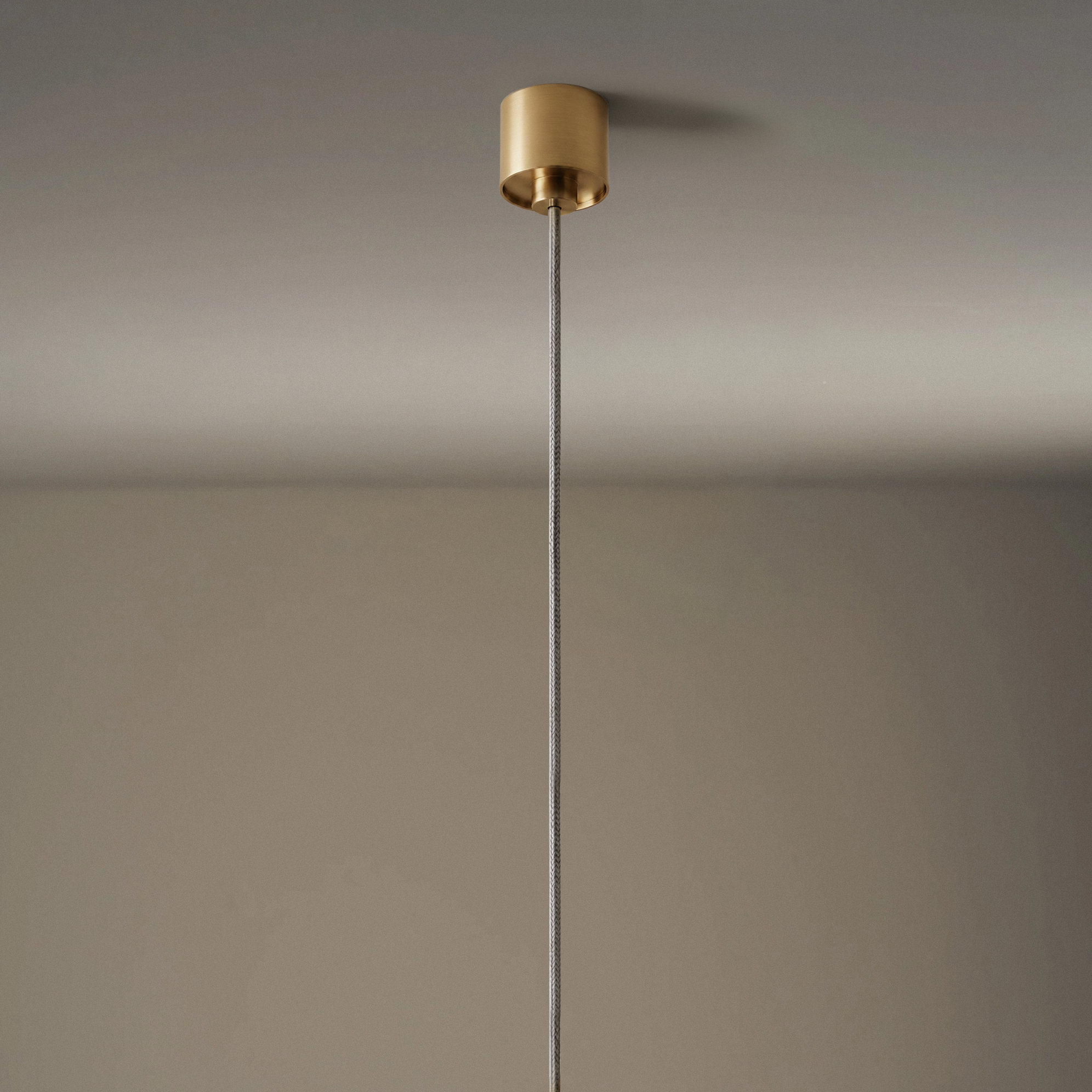
Mini Canopy
Remote Only
Solid brass, about 1.18″ in diameter — large enough for two small low-voltage wire-outs, but not a power supply. 24 VDC has to arrive at the fixture already converted.
The ceiling should read as bare — the power supply sits remote and out of sight.
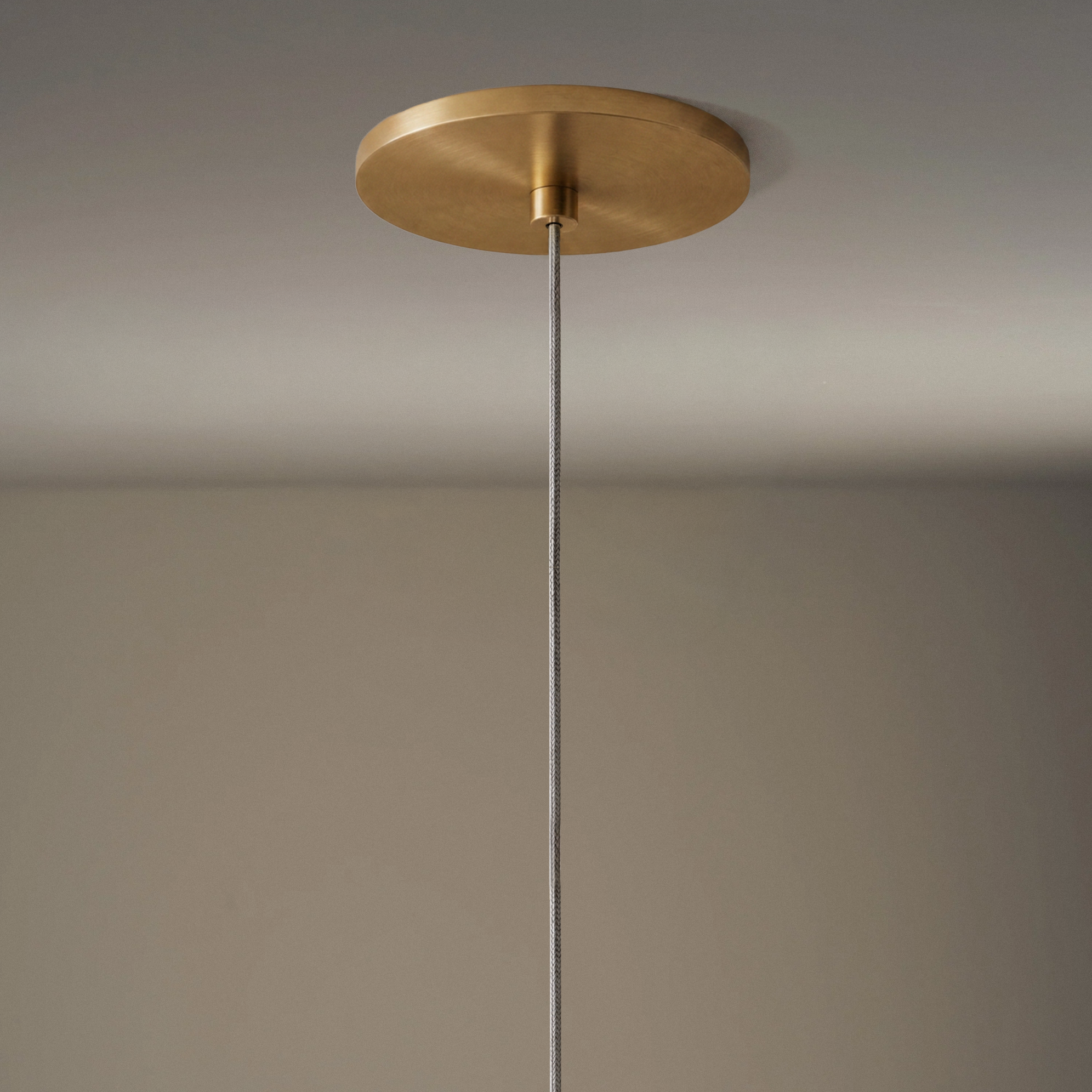
5" Canopy
Local or Remote
Covers a standard junction box. A local power supply fits behind it; with a remote power supply the same canopy just closes the box.
There’s a line-voltage junction box at the fixture and the power supply mounts behind the canopy.
New construction with a low-voltage run to the fixture — the canopy just closes the box.
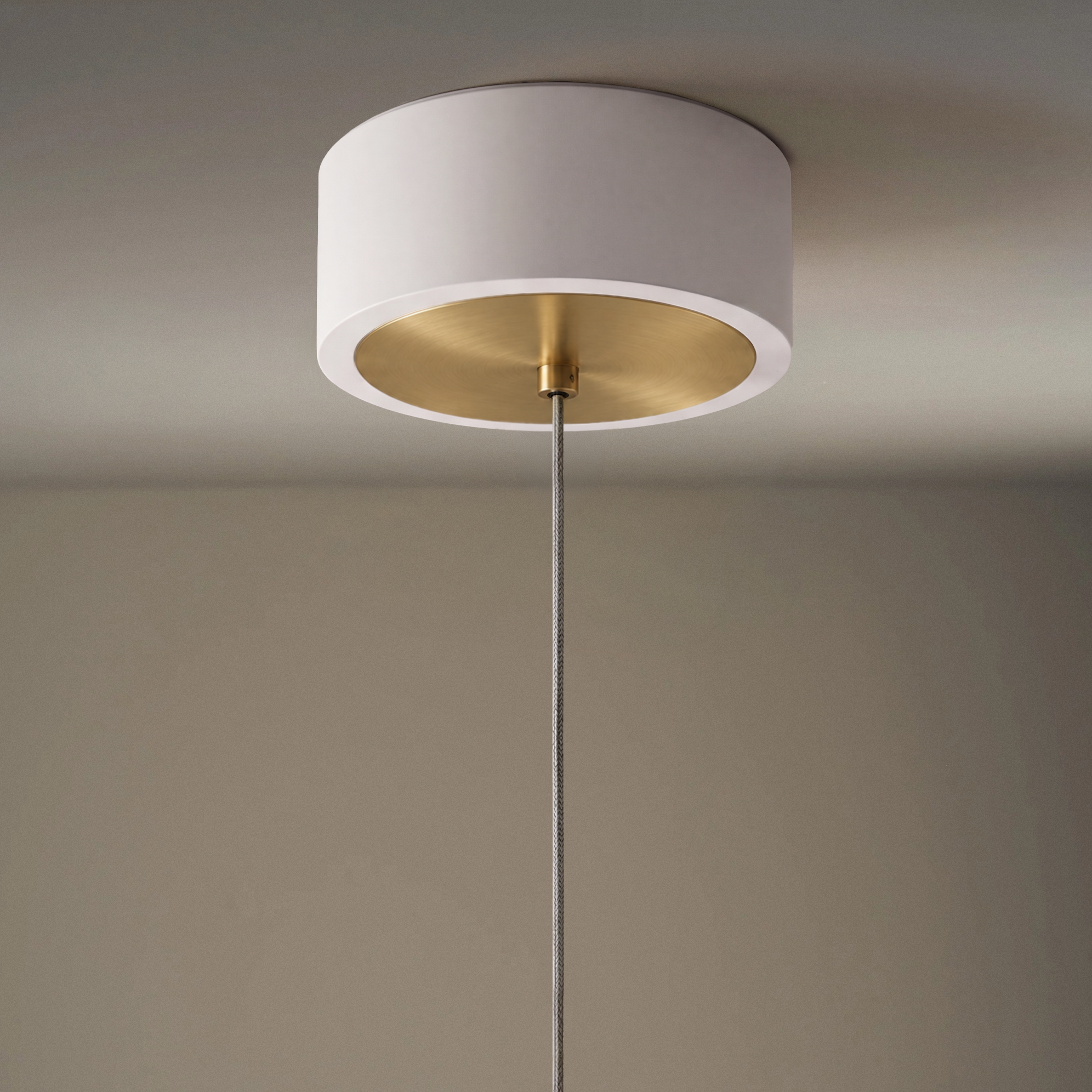
Power Hub
Holds the Power Supply
A surface enclosure over the junction box that houses the power supply — 120–277 VAC in, 24 VDC out at the ceiling.
There’s an existing junction box where a local power supply won’t fit.
Shop Now
Power Supply Options
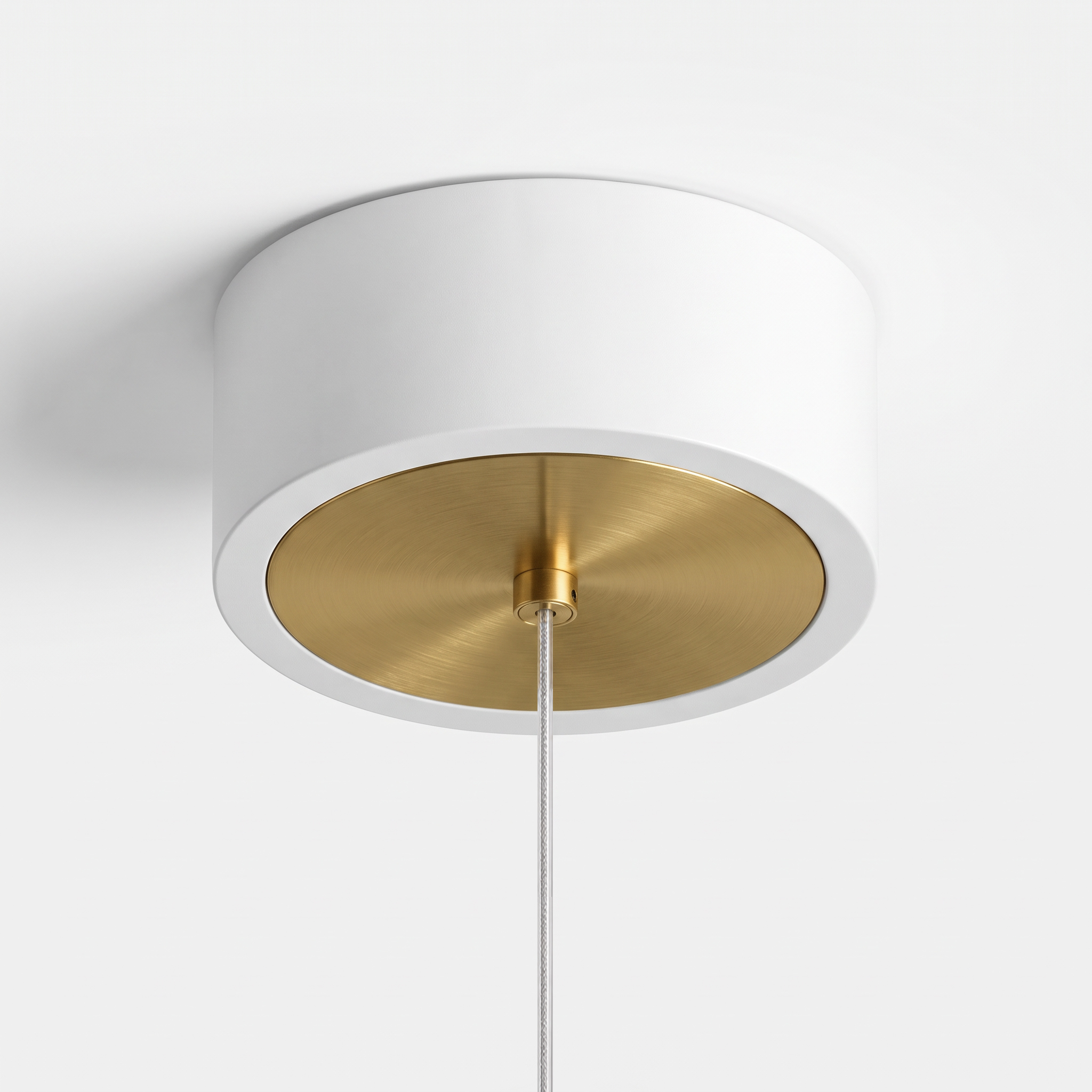
Juniper Power Hub
A finished 6″ round cover that holds the power supply at the fixture, so the power supply sits at the ceiling rather than somewhere remote. It mounts over a standard 4″ octagon junction box or mud ring, supplied by the electrician. Available with 30W, 60W or 96W power supplies to match the fixture. Dims to 1% or off.
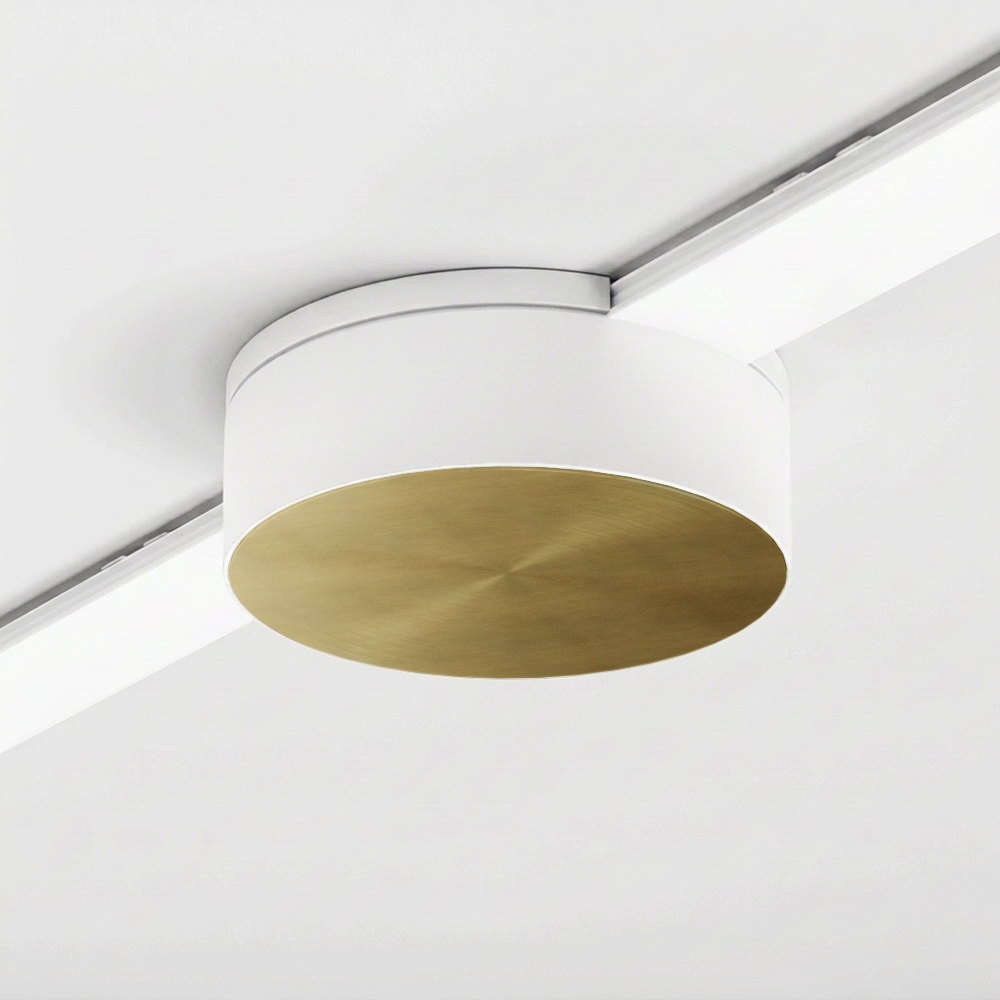
Multiverse Power Hub
Local power for a Multiverse run, in a 5″ round surface-mounted cover. One hub powers both circuits in the run. It mounts to a standard 4″ octagon junction box or mud ring, supplied by the electrician, on the wall or the ceiling. Available in 30W, 60W and 96W. Dims to 1% or 0.1% depending on which spotlight you specify.
If you want the two circuits controlled independently, you need a second hub.
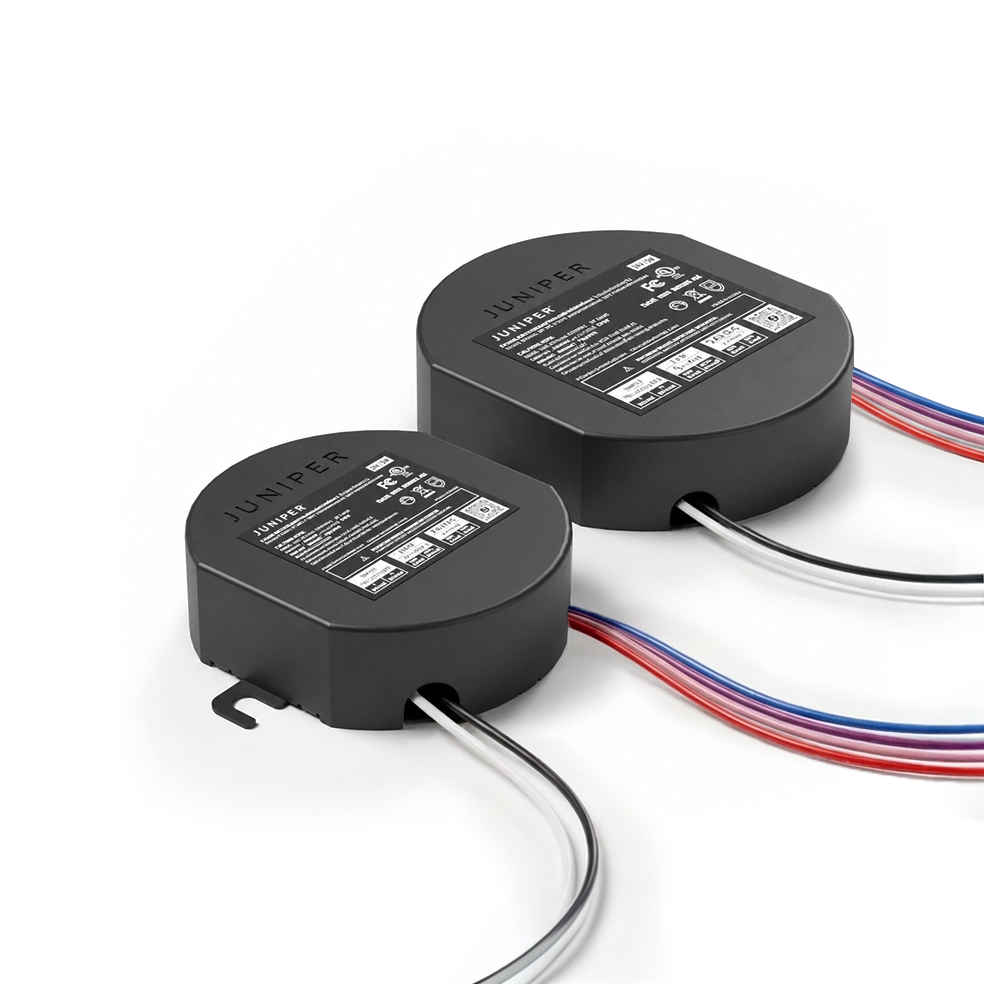
Local Power Supplies
Round power supplies that sit at the fixture. The 30W fits a standard 4″ octagon or 4×4 junction box at least 2″ deep. The 60W and 96W are larger and go inside a Juniper Power Hub or Multiverse Power Hub cover. Useful in retrofits, where the power supply has to stay at the fixture.
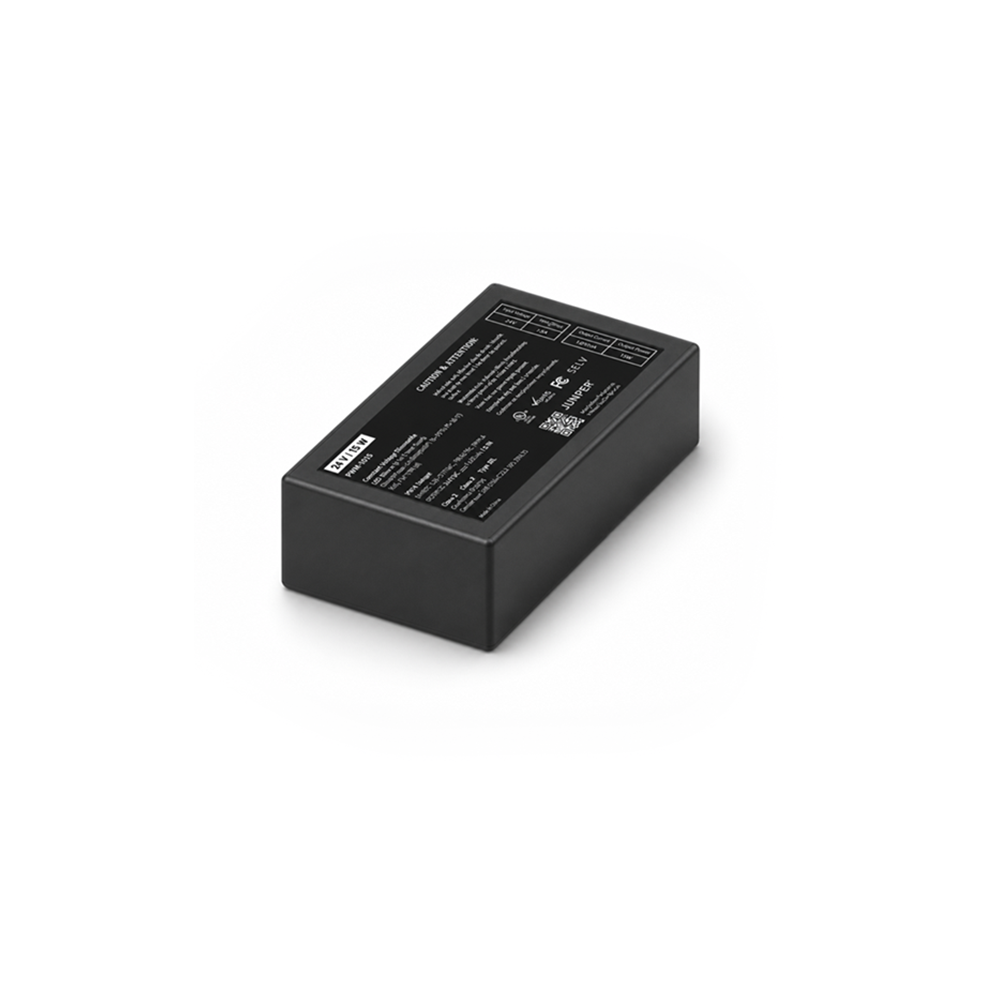
15W Local Power Supply
The smallest power supply, for a single low-wattage fixture. Fits a 4″ octagon, 4×4 or single-gang box at least 2″ deep.
It comes in two versions matched to how the fixture dims. Specify the one called out on your fixture’s page rather than choosing between them.
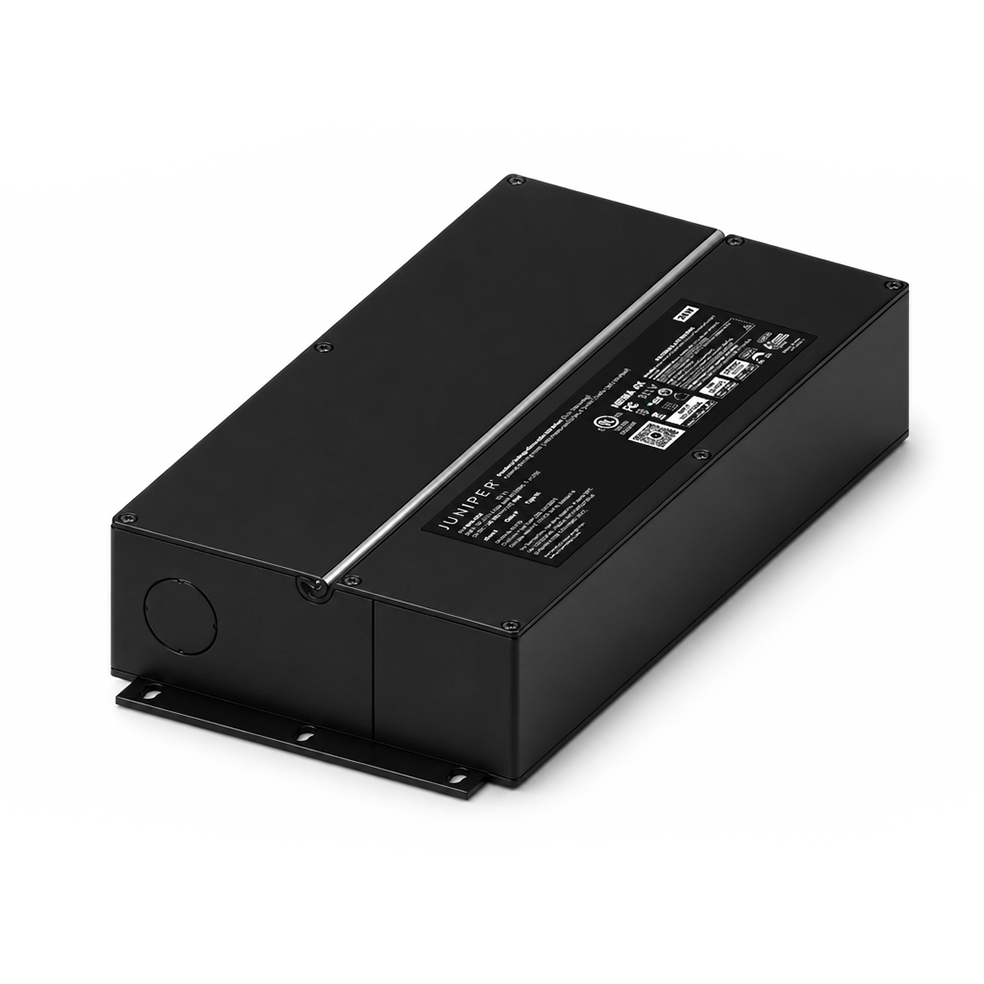
30W Cabinet Power Supply
A slim 30W power supply for cabinetry, millwork and other tight spaces. The low-profile plastic housing fits cavities that will not take a round supply, and includes cable clamps and screw terminals. Leave space around it for ventilation. Conduit installations need a separate enclosure, supplied by the electrician.
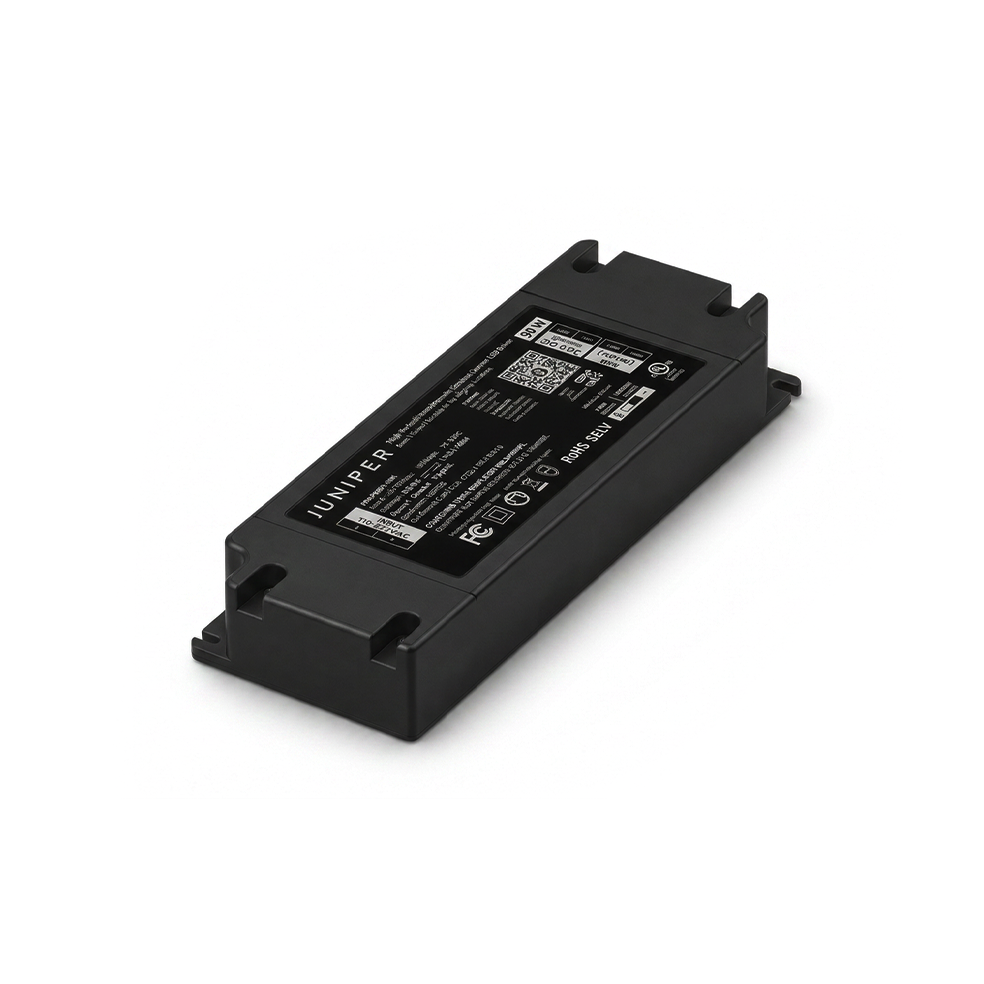
Remote Power Supply
Mounts away from the fixture, in a ceiling cavity, accessible closet or junction box, so nothing but the canopy shows at the ceiling. It also stays reachable for service later. Sealed aluminum housing, rated for dry, damp and wet locations. Available in 30W, 60W and 96W.
See what the Installation looks like
Common Questions
What's the difference between local and remote?
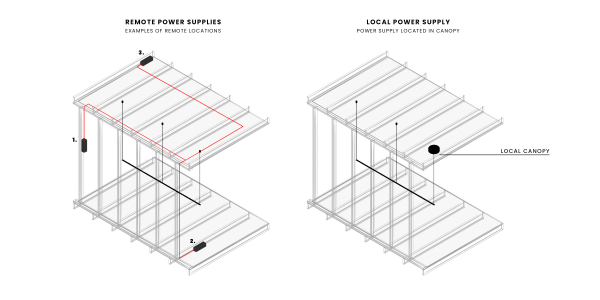
Local power supplies mount in the fixture canopy or an adjacent junction box, making them useful for retrofit applications. Remote power supplies mount away from the fixture, in a ceiling cavity or accessible closet, so nothing but the canopy shows at the ceiling. Remote installation is ideal for the most minimal ceiling appearance and makes the power supply easier to service later.
Can I connect multiple fixtures to one power supply?
Often yes, as long as the total stays within the power supply’s wattage rating. It is common to connect multiple fixtures to one remote power supply. The Multiverse Power Hub centralizes power for multiple Multiverse fixtures.
Are there special requirements for dimming Multiverse System?
Yes. The Multiverse System requires CVR (Constant Voltage Reduction) power supplies. Dimming to 1% or 0.1% is determined by the fixture specified.
Resources
Products
Install Guide
Spec Sheet + Wiring Diagrams
Juniper Power Hub
JPR-PWRE
Install Guide
Spec Sheet
JPR-MLTV-ECL1
Spec Sheet
PWR-0127/8/9
Spec Sheet
15W Local Power Supply
PWR-0144/5
Spec Sheet
Local Power Supplies
PWR-0137/8/9
Spec Sheet
PWR-0141
Spec Sheet